


Shape the story before generation
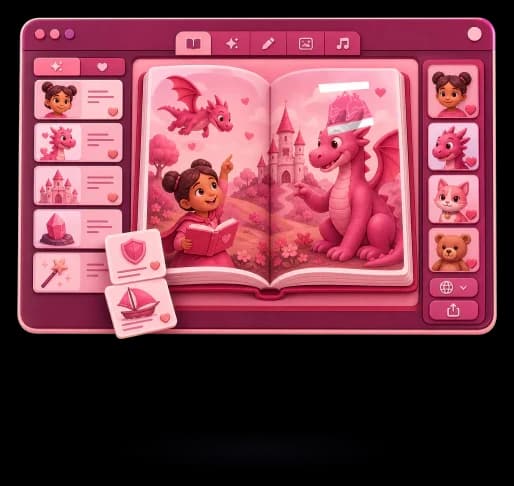
Shape the idea, companions, and plan before anything is generated.
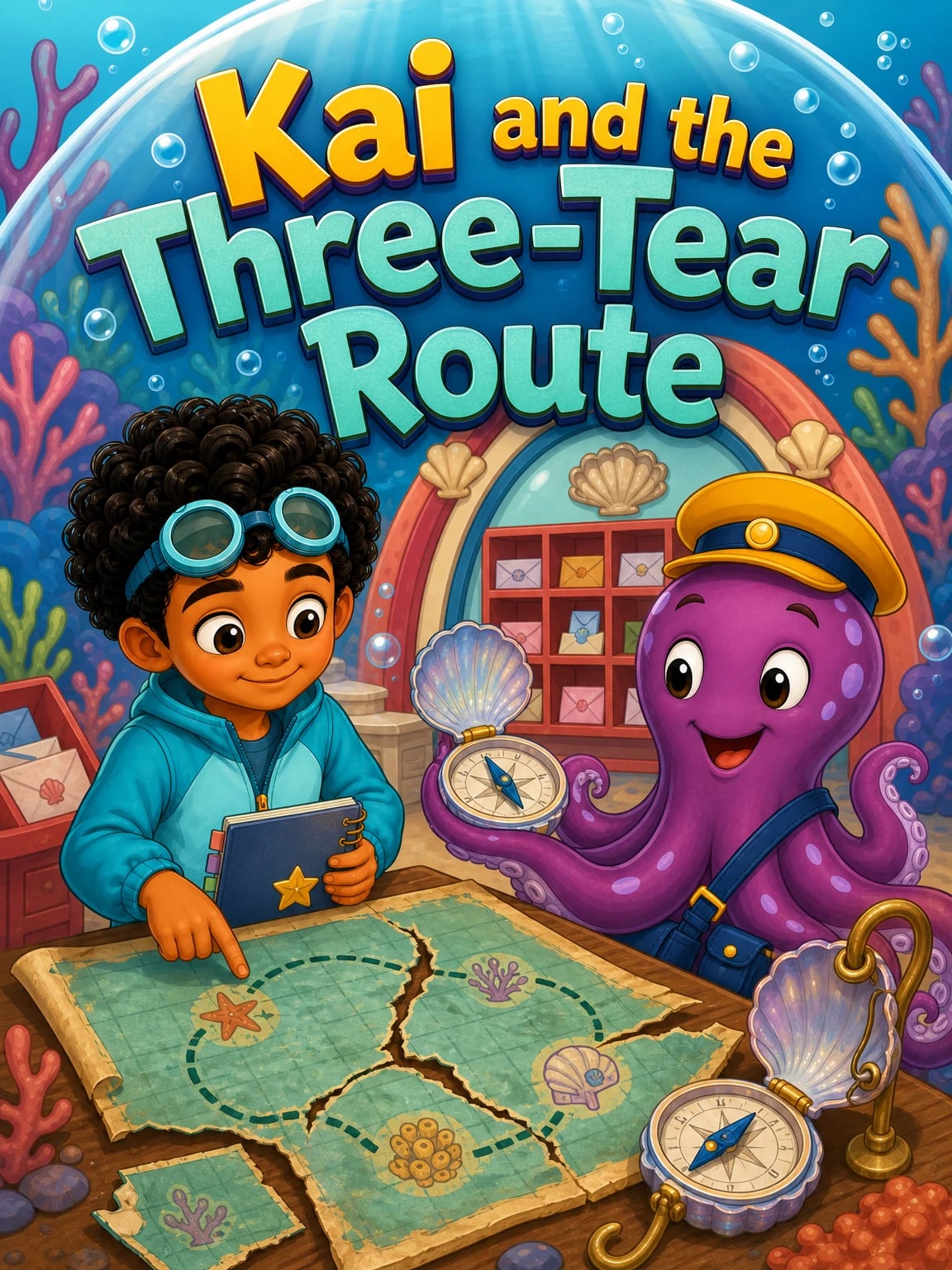
Personalized illustrated children's books
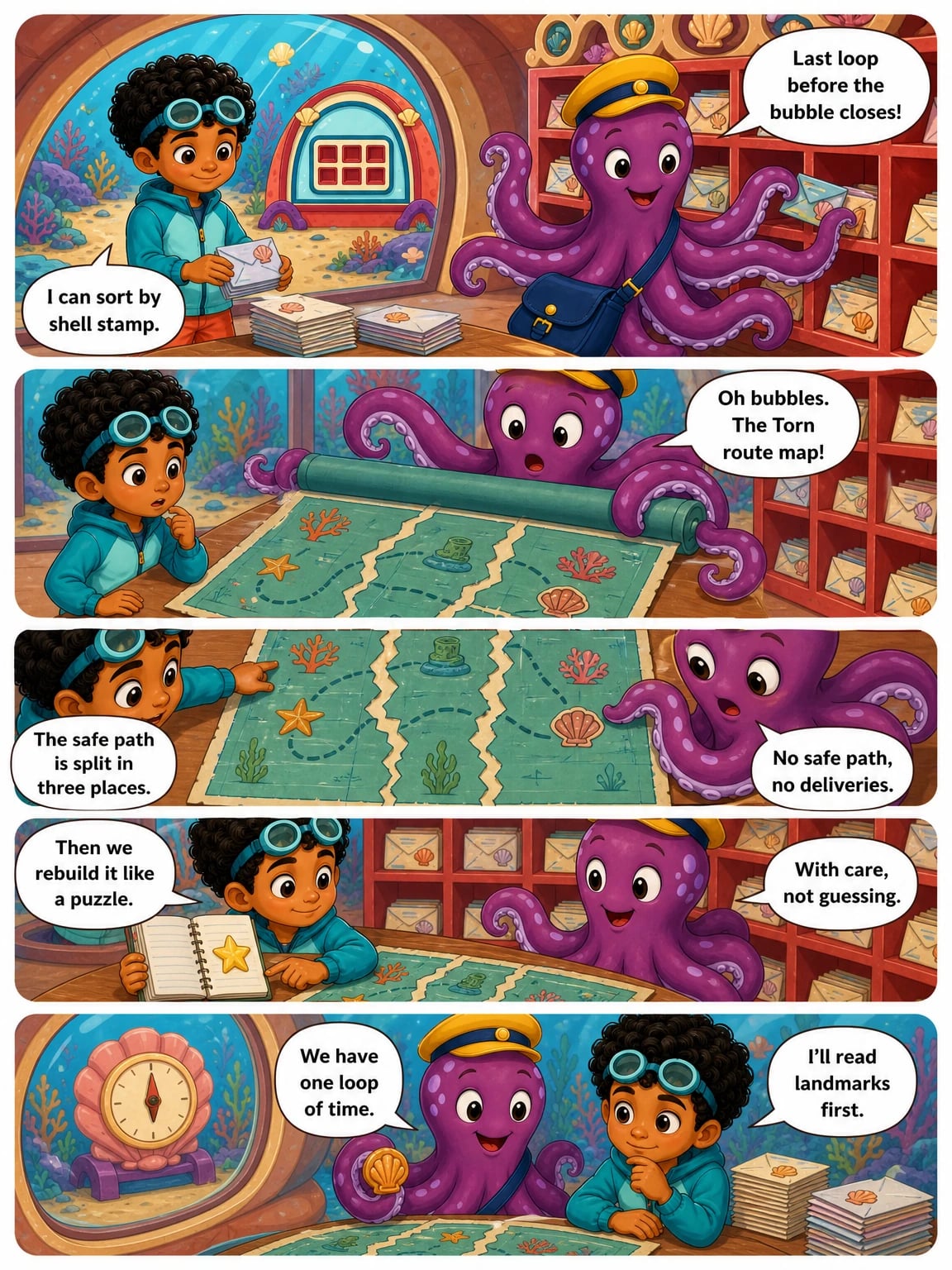
One idea becomes a finished illustrated tale in English, Spanish, or Catalan.
Three simple steps
You stay in control from the first spark to the finished illustrated tale.
Choose the story, companions, language, and format before anything is generated.
Review the plan, then turn it into a complete, richly illustrated story.
Keep it private, share a link, export a PDF, or prepare it for print.
Story studio
Every feature on this page maps to a current product workflow in the Tale Island app.
Shape the idea, companions, and plan before anything is generated.

Save a companion once and bring them back in every new tale.

Choose Catalan, English, or Spanish, then pick comic or illustrated storybook format.

Your private library, ready to read, share, export, or print.
Every idea can become a vivid world with its own characters, atmosphere, and sense of wonder.
Refer a friend
Send a friend your personal link. They start with 100 bonus coins, and you earn 100 coins the first time they top up.
How referrals workPrivate by design
Tale Island keeps creation inside your account and makes sharing a choice, never the default.
Tales, companions, settings, and finished creations stay connected to your workspace.
Drafts and finished tales live inside your account, ready for your family to review.
A story leaves your workspace only when you choose to share or export it.
FAQ
Short answers about the creator, languages, privacy, sharing, export, print, and payments.
You can create personalized illustrated tales from your own idea, then read the finished story in the app.
Tale Island supports Catalan, English, and Spanish for story creation.
Yes. The app lets you save reusable companions and settings so future tales can start from familiar material.
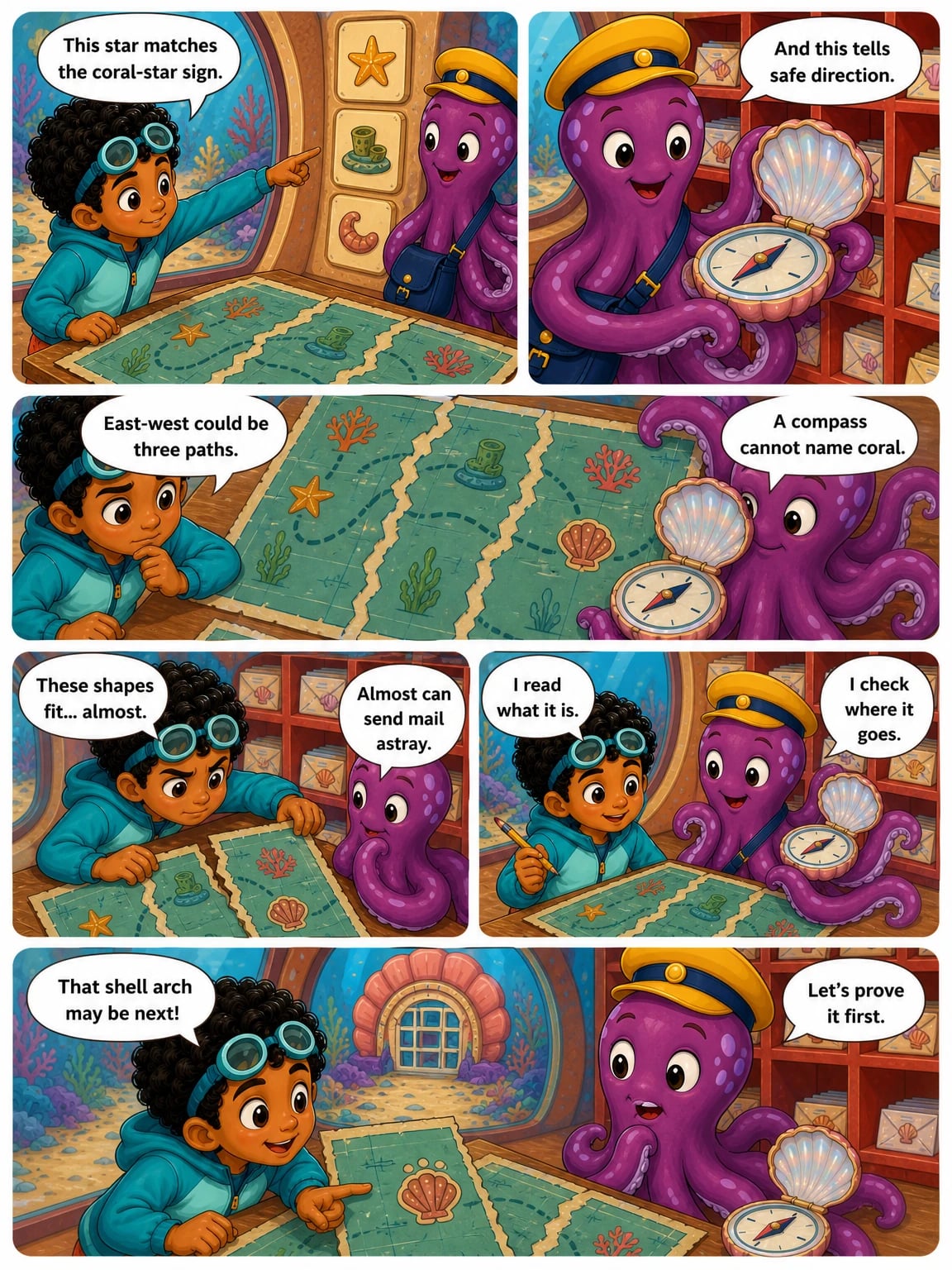
The app supports comic-style tales and illustrated reading stories, with format-specific creation and rendering paths.
Tales are created inside an account-owned workspace. Public sharing only happens through deliberate shared links.
Yes. Shared tale links can be opened by someone else and can support remixing into a new version.
The app includes PDF export support, with clean export costs shown before the action.
Print checkout is feature-flagged and depends on the current production readiness of the print flow.
Coin packs add balance to your account, and billable actions show their cost before you confirm.
Failed billable generation steps are tracked so the matching coins can be returned.
Support
Write to the Tale Island team. We answer every message.
[email protected]